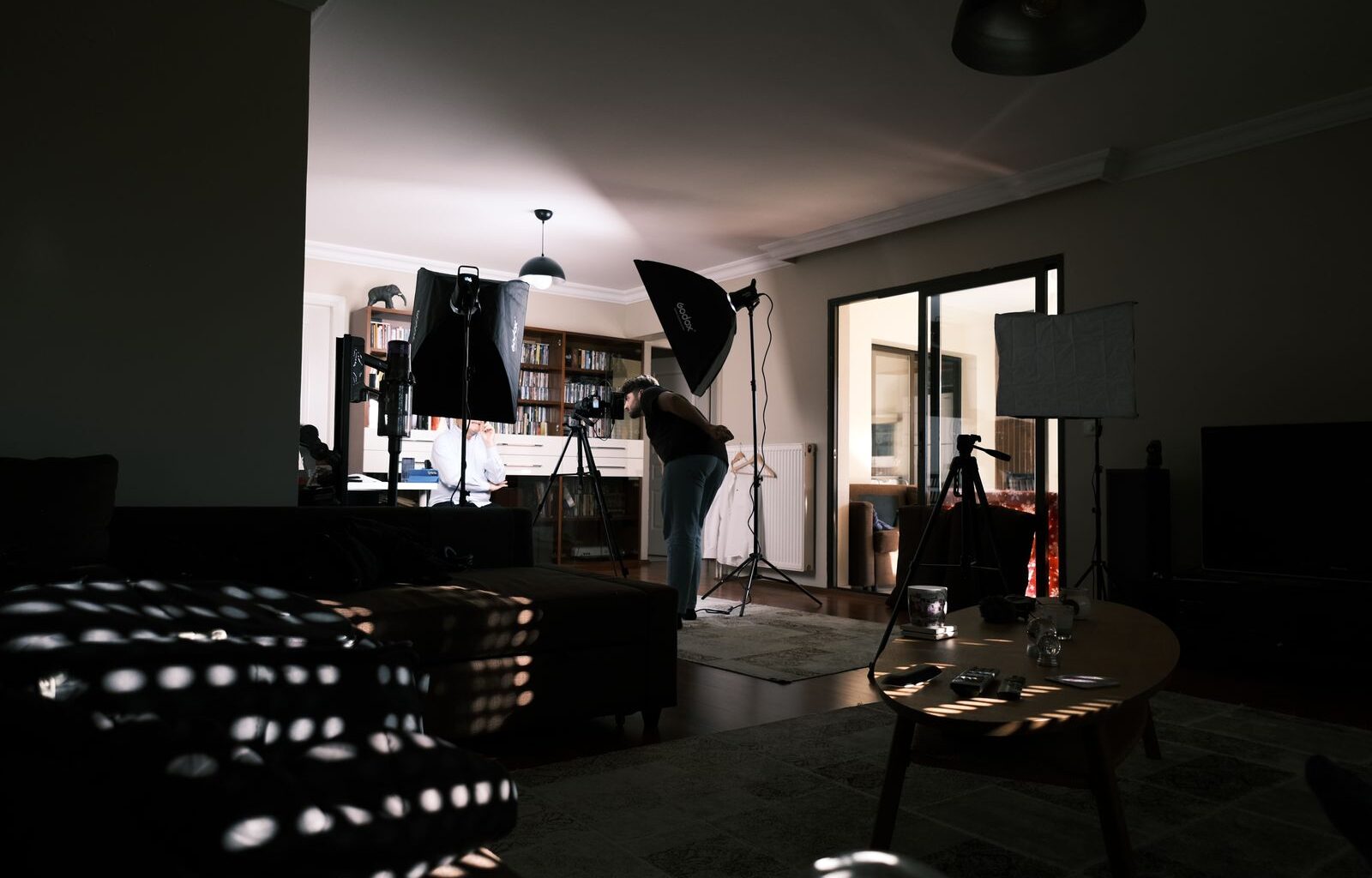

Studio advice online comes in two flavors that never meet. The filming articles cover backdrops, key lights, and camera height. The edit-desk articles cover monitors, acoustic panels, and chairs. Almost nobody covers the room most creators actually have, one room doing both jobs, where the set and the edit suite share a hundred square feet and step on each other daily.
The collisions are specific. The monitor wall wants to be in your shot. The treatment your voice needs on camera is the same treatment your mix decisions lean on at midnight. The key light that flatters your face does nothing for your grading accuracy. And unless the layout is planned around conversion, every shoot day starts with twenty minutes of moving furniture.
Think of this as the room-level companion to our talking-head studio kit, which covers the camera, mic, and light themselves. This guide is about the container: layout, sound, lighting logistics, the desk, the background, and power, all picked so the same room converts between set and suite in about five minutes. A framing note: I spend my working days in edit suites rather than on camera, so read the shoot-side picks as researched spec work and the edit-side opinions as lived ones.
Last updated: July 2026. Some links below are affiliate links. Buy through them and it helps keep the site running, at no extra cost to you. Prices were verified on July 17, 2026, and in this market they will drift; read every number as “around this much at the time of writing.”
TLDR
The conversion layer, meaning everything that lets one room be both set and suite, comes to about $1,080 on top of the camera, lights, and computer you already own. The big pieces: six ATS 24×48 inch acoustic panels at $479.70, an Ergotron LX monitor arm at $199.99, a CyberPower CP1500PFCLCD UPS at $239.95, a Neewer collapsible backdrop at $59.02, and NICETOWN blackout curtains at $42.46, plus the surge, cart, and cable-tray small stuff. If the room also needs a desk, the FlexiSpot 71 inch standing desk adds $279.99 and sets the geometry for everything else.
The layout: turn the camera, not the furniture
Every decision in this room flows from one rule: the camera axis runs perpendicular to the monitor wall. Monitors live on one wall. The camera shoots across the room, at the wall beside them, never at them. Do that and the screens stay out of frame permanently, the desk never moves, the edit rig never gets unplugged, and “setting up to shoot” stops involving furniture.
The second rule stacks on the first: shoot toward the treated wall. Acoustic panels are one of the few functional objects that also read as “studio” on camera, so the wall that absorbs your reflections should be the wall behind you in the frame.
The third rule: anything that has to move for a shoot should convert in minutes. One-room studios fail when conversion is expensive; you shoot less, or you edit less, or the room sits half-converted and does both jobs badly.
Sound: one treatment, both jobs
A small untreated room is bad at both of its jobs in the same way. Bare parallel drywall produces flutter echo, the metallic ring you hear when you clap, and it lands on voice recordings as a boxy smear no plugin fully removes. The same reflections lie to you at the mix position, so the levels and EQ moves you commit at midnight sound wrong on every other speaker. One round of real absorption fixes both, which is why treatment is the first money this room spends.
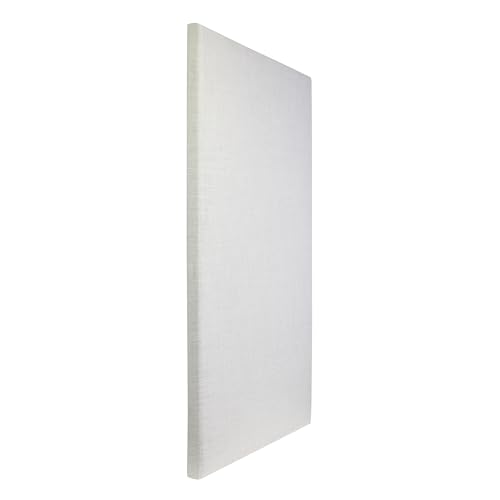
The pick is the ATS Acoustics 24×48 inch panel at $79.95: two inches of real mineral wool in a fabric-wrapped wood frame, with an NRC of 1.0, lab shorthand for absorbing essentially everything that reaches it. At about $10 per square foot it’s the cheapest real absorption you can buy assembled. Six panels, $479.70 total, cover the first reflection points at the mix seat (find them with the mirror trick: wherever a mirror on the side wall shows you a speaker from your chair) plus the wall you shoot toward. The 24×24 inch version at $49.95 is the same construction for tighter checkerboard layouts, and the fabric colors cost the same as the Natural, which matters for panels that live in your frame.
“Can’t I just get the $30 twelve-packs?” You can hang them. They just won’t do much. The thin polyester panels that dominate Amazon search results, BUBOS and its many clones, are around 0.4 inches thick, and at that thickness they do almost nothing below 1 kHz, where the problems that hurt voice and mix decisions live. Absorption takes thickness and density, and the $25 packs have neither. They’re decor.
The step up is GIK Acoustics, the default name in small-studio treatment. A FlexRange 242 panel runs $130.80 and their room kits start at $999 with bass traps included, sold direct from their site. There’s no affiliate program, so we earn nothing on the mention; it’s where this road leads once a spare room turns into a control room.
Light: the rig already works both shifts, with one exception
A one-room studio doesn’t need different lights, it needs lights placed so they never get struck. The picks come straight from our key light roundup and the $500 lighting kit: a Nanlite FC-120B through the Amaran Light Dome 60 on a Neewer 7.2ft stand, rigged once in the shooting corner and left there. Rigging the key is the slowest part of any conversion, so it’s the one thing that never converts; the stand costs you about four square feet. In a room too tight even for that, the Amaran Verge does the key job from a shelf.
The fixture that covers both sides of the room is the Elgato Key Light Neo. Clamped to the desk it’s a proper edge-lit key for anything you shoot at the desk itself, screen recordings with a facecam included, and between shoots it turns around and bounces off the wall as a soft wash for the edit side of the room.

On a budget, the Godox SL60IID still anchors the $500 kit, with a price caveat: every current listing is a third-party seller at $139, above the $110 to $130 this light has historically sold for, so check the number before ordering. And the practicals discipline from that kit applies double in a dual-use room: every bulb visible in frame, including the Govee smart bulbs, gets locked to one color temperature and stays there.
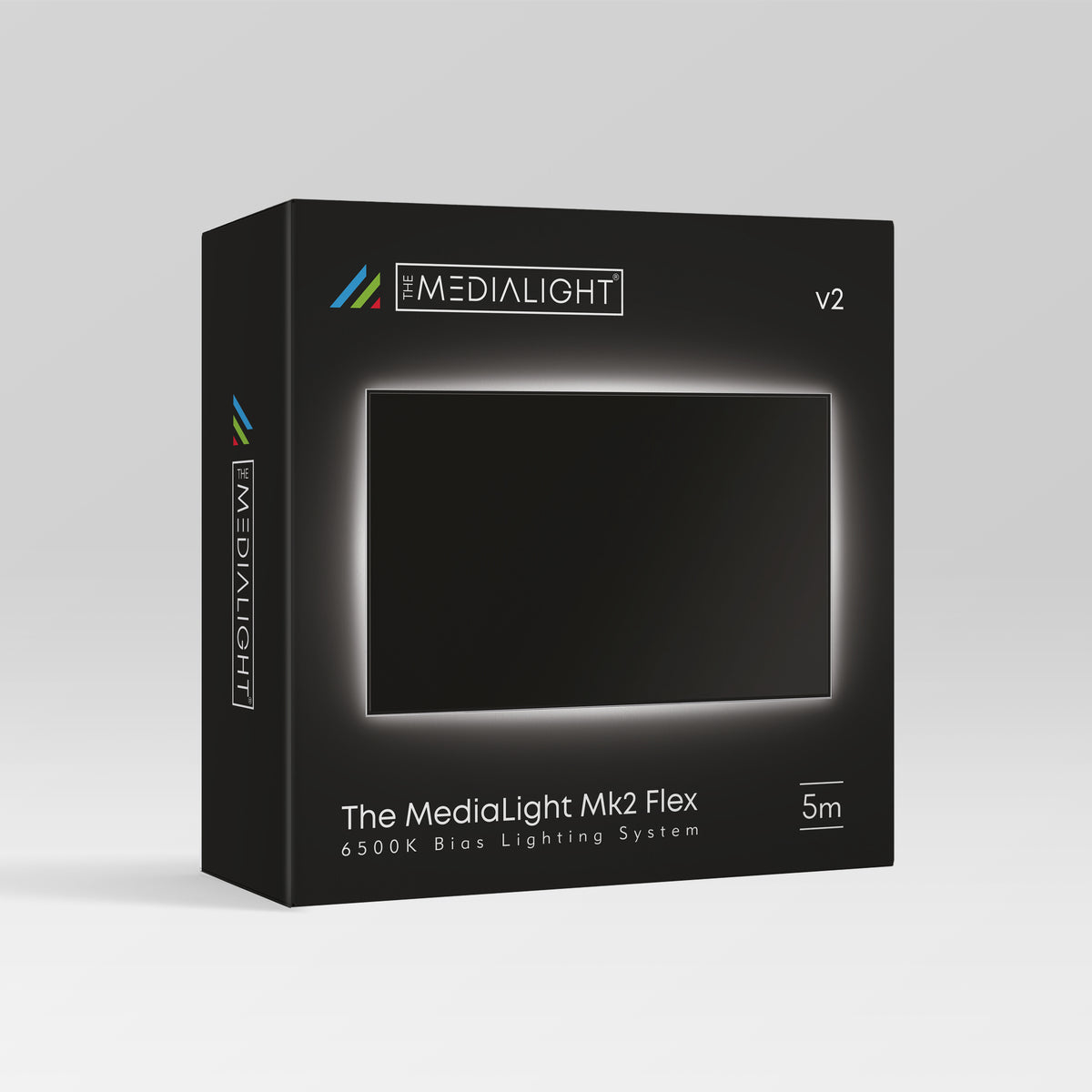
Now the exception. A bias light is a dim, spectrally accurate D65 source mounted behind the display, there so your eye holds a stable reference while you judge color. A key light cannot substitute for it: it’s built to a different accuracy standard, and even at minimum power it’s far too bright for the job. The MediaLight Mk2 is the reference pick, the one item here you buy in addition to a light you already own. Everything else in this guide is one purchase doing two jobs. This is the deliberate exception, and it’s a cheap one.
The desk core: a monitor wall that clears in seconds
The desk is the architecture of the room, so its width matters more than its feature list. The FlexiSpot 71 by 32 inch electric standing desk at $279.99 (list $339.99) is wide enough to be the entire monitor wall, which is what keeps every screen on one plane and out of frame. Dual motors and a 198 lb rating mean a loaded dual-monitor setup rises without protest, and the height adjustment has a second use here: raised, the desk clears sight lines for shots that sweep past it. FlexiSpot’s flagship E7 sells direct for about $369; this Amazon 71 inch dual-motor model is the same idea for $90 less.

The Ergotron LX monitor arm is the dual-use argument compressed into one product. On a stand, your monitor faces the room and photobombs every wide shot. On the LX it swings flat against the wall or out of frame in about five seconds, then swings back to exactly where it was. $199.99, a ten-year warranty, 4.6 stars across 4,100 ratings. The ErGear heavy-duty arm at $59.99 makes the same motion with less refinement and holds its position fine. The $31 WALI arms are the trap: they wobble under 32 inch panels, and a monitor that shivers when you type is worse than no arm.

The chair appears in frame and holds you through eight-hour sessions, so it gets picked with both in mind. I sit in a Herman Miller Embody every working day, and it’s the one item in this article I can vouch for from years in it rather than from research. It’s also a serious amount of money. The Corsair TC100 Relaxed is the budget seat: comfortable for long sessions, and it reads as plain furniture on camera, which is what you want from a background chair.
The background: pop-up or dressed corner
Two ways to handle what’s behind you, and the choice comes down to conversion speed against looks. The fast lane is the Neewer 5 by 6.6 foot collapsible backdrop at $59.02 ($56.07 with Prime): black on one side, white on the other, and it pops open in seconds. The black side works a second shift too, leaned behind your chair to kill the bright-wall bounce at the mix seat. The consistent gripe in its 7,000 ratings is that folding it back into the disc is a learned skill. Budget one tutorial video and two failed attempts, and after that it’s ten seconds.

The slow lane is a dressed corner: Savage Widetone seamless paper, running $45 to $60 in the current paper shortage, on a Neewer T-stand at $42.49, with a Govee RGBIC floor lamp at $69.99 throwing a gradient up the wall for depth. It reads as a permanent set because it is one; it never converts, it just owns its corner. If the room can spare that corner, this is the better-looking answer. Scuffed paper gets cut off and pulled down fresh.
Power and the strike: the five-minute reset
The edit rig gets a real UPS, and that’s edit-suite doctrine, not paranoia. A power blip mid-export costs you a render; a blip mid-write can corrupt a project database. The CyberPower CP1500PFCLCD is the standard answer: 1500VA, pure sine wave output, automatic voltage regulation, 4.6 stars across 11,200 ratings. Price note: $239.95 is high against the roughly $200 this model usually sells for. If that gap grates, the APC BX1500M at $189.99 is the alternate, with a caveat: its battery output is stepped sine instead of a pure sine wave, which a Mac won’t care about and some PC power supplies with active PFC will complain about. If your rig is a tower from our workstation guide, spend the extra $50.

The lights get their own circuit hygiene. A Tripp Lite TLP808B at $32.99 feeds the shoot side of the room, so a light being switched on never sits on the same strip as the machine holding your open project. Eight outlets covers a full lighting setup with room left for the practicals.
Then the piece that makes the whole system survive contact with real life: a three-tier rolling cart at $37.97. Everything shoot-side that isn’t permanently rigged, mic, boom arm, folded backdrop, spare cables, lives on the cart, and the strike becomes one trip: roll it to its corner, done. It holds 4.7 stars across 32,100 ratings; it’s a sturdy metal cart that rolls, and that’s the whole job.
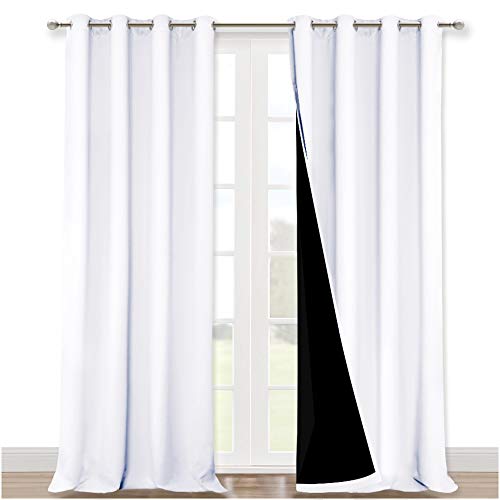
Two small items finish the room. Under the desk, a VIVO 17 inch cable tray at $19.99 lifts the edit rig’s cable mass off the floor, which you’ll appreciate the first time a wide shot catches the underside of the desk. And on the window, the NICETOWN 100 percent blackout curtains at $42.46 a pair are the sleeper purchase of the whole article, working three jobs at once: darkness on demand for shooting, glare kill on the monitor wall for grading, and the 230 GSM double-layer weave audibly deadens the window, the one surface in the room you can’t hang a panel on. 4.8 stars across 78,700 ratings, forty-plus size variants on the listing, so measure before ordering.
The conversion layer, line by line
| Item | Zone | Job | Price |
|---|---|---|---|
| ATS 24×48 acoustic panels (x6) | Sound | First reflections + shoot wall | $479.70 |
| Ergotron LX monitor arm | Desk | Swings the monitor out of frame | $199.99 |
| CyberPower CP1500PFCLCD | Power | Pure sine UPS for the edit rig | $239.95 |
| Neewer 2-in-1 collapsible backdrop | Set | Pop-up background, both sides | $59.02 |
| NICETOWN blackout curtains (pair) | Window | Light control, glare, window deadening | $42.46 |
| Simple Houseware 3-tier rolling cart | Strike | The one-trip strike | $37.97 |
| VIVO under-desk cable tray | Desk | Cables off the floor and off camera | $19.99 |
| Conversion layer total | $1,079.08 | ||
| FlexiSpot 71″ standing desk (if needed) | Desk | The monitor wall itself | $279.99 |
| Total with desk | $1,359.07 |
Lighting and the bias light aren’t in the table; that budget lives in the guides linked above. This is only the layer that makes the room dual-use.
What to look for in dual-use gear
Absorption you can measure. Real treatment states a thickness (two inches minimum for broadband work) and an NRC rating from an actual lab. If a listing states neither number, assume it absorbs about as much as a poster.
A monitor arm with headroom. Check the arm’s weight rating against your panel with margin to spare, and the clamp depth against your desk’s thickness. Warranty length is the tell: ten years on the Ergotron against one on the budget arms says what each maker expects.
Pure sine on the UPS. Modern power supplies with active PFC can misbehave on stepped-sine battery output. Size it for a clean save and shutdown, not for continuing to work.
Weight in the curtains. Blackout performance and acoustic damping both come from mass. Look for a stated GSM figure and a double-layer construction, and buy longer than the window; the overspill is where light leaks die.
Conversion time as a spec. For every shoot-side purchase, ask how long it takes to deploy and to strike. Anything over five minutes will eventually stop happening, and gear that stops getting used is the most expensive kind.
FAQ
Do acoustic panels soundproof the room?
No, and the distinction matters before you spend. Treatment fixes the sound inside the room, the reflections and the boxy quality that end up on recordings. Soundproofing stops sound crossing the wall, and that takes mass and decoupled construction, meaning renovation, not panels. If the problem is street noise or housemates, the practical fix is recording when things are quiet with a directional mic close to your mouth; the heavy curtains help at the margins. No panel purchase quiets your neighbors.
Can one light really cover shooting and editing?
For the room, yes: a key light that stays rigged serves every shoot, and a desk light like the Key Light Neo doubles as a wall wash between them. The one job no shooting light can absorb is bias lighting for color work. That needs a dim, D65-accurate source behind the display, hence the MediaLight, the one duplicate purchase this guide asks for.
How big does the room need to be?
Smaller than you’d guess. If you can put about six feet between camera and subject, with the key light three to four feet off axis, the layout in this guide works, and most 10 by 10 foot bedrooms clear that. What kills small rooms isn’t square footage, it’s geometry fighting itself: a camera aimed at the monitor wall, or a desk parked in the only usable shooting lane.
Should I strike the set after every shoot or leave it up?
Split it. Anything with a small permanent footprint stays rigged, like the key light in its corner and everything on the walls. Anything that steals usable room converts: the backdrop folds down and the cart rolls away, and the monitor swings back over the desk. That split is what the five-minute number means: the difference between a studio you use weekly and one you used in January.
One room, both jobs
And that’s the room: about $1,080 of conversion layer, one axis decision, and a strike that takes one trip with a cart. These are the picks I’d build the room with, backed by the research and a lot of hours in edit suites; your room’s shape gets the final vote, so steal the logic even where you swap parts. If you build a version of this and something’s fighting you, leave a comment and I’ll take a look.
The talking-head studio kit covers the camera, mic, and light that go inside this room. Our older in-house studio build series is the multi-room version of the same thinking. And the rest of our buyer’s guides live on the Gear Guides page.