
Every memory card guide on the internet is written for the moment you press record. Sustained write speeds, buffer clearing, burst depth. All of it real, and none of it says a word about what happens four hours later, when you’re sitting at your desk watching a progress bar crawl because the “fast” card you bought is stuck behind a $12 reader that caps it at a quarter of its rated speed.
This guide covers both halves. Which card class your camera needs (a lookup, not a “check your manual” shrug), which card to buy in that class, and which reader turns the offload from an hour into six minutes. The reader is the half everyone skips, and it’s the half that decides when you get to start cutting.
Last updated: July 2026. Some links below are affiliate links. Buy through them and it helps keep the site running, at no extra cost to you. One thing to know before any prices get mentioned: the NAND shortage has roughly doubled card prices since late 2025, and analysts don’t expect relief before 2027. Every price here was verified on July 16, 2026, and they will drift. Read them as “around this much at the time of writing.”
TLDR
If you just want the answers: most hybrid shooters need a Lexar Silver Pro V60 (around $80 for 128GB), CFexpress Type B shooters should buy the Delkin POWER 4.0 512GB (around $280) unless they shoot Nikon RAW, and everyone should own a better reader than they currently do. My pick there is the ProGrade PG05.6 for CFexpress and the $18 UGREEN UHS-II for SD. The rest of this guide is the why, and the exceptions.
Step one: which card class do you need?
Card classes are a floor, not a ceiling. V30 guarantees 30 MB/s of sustained sequential write, V60 guarantees 60, V90 guarantees 90, and CFexpress VPG200 and VPG400 guarantee 200 and 400. Your camera writes video at a fixed bitrate, so the math is simple: convert the recording bitrate from megabits to megabytes (divide by 8) and buy the class that clears it with headroom.
That gives you three rules that cover almost every camera sold today. Long-GOP modes up to 200 Mb/s (that’s most 4K30 and 4K60 on Sony, Canon, Panasonic, and Fuji bodies) are safe on V30. The 230 to 600 Mb/s band, where ALL-I modes and the heavier 10-bit codecs live, wants V60 or V90. And past 600 Mb/s, which means ProRes, N-RAW, and 8K RAW, you’re in CFexpress territory whether you like it or not. The card slot your camera shipped with already made most of this decision for you.
Here’s the lookup for the cameras we cover in our camera guides, using each body’s heaviest video mode. If you never touch the top mode, you can often drop a class.
| Camera | Heaviest video mode | Bitrate | Card it needs |
|---|---|---|---|
| Sony a7 IV / a7C II | XAVC S-I 4K60 | 600 Mb/s | V90 (V60 fine for XAVC S/HS) |
| Sony FX3 / FX30 | 4K120 S&Q | ~1,200 Mb/s | CFexpress Type A, VPG200+ |
| Sony FX5 (ships Aug 2026) | Internal X-OCN RAW | ~232 to 389 Mb/s at 4K24, scales with res and fps | CFexpress Type A, VPG400 required |
| Canon R6 II | 4K60 | 340 Mb/s | V60 covers every mode |
| Canon R5 II | 8K60 RAW | 2,600 Mb/s | CFexpress Type B, VPG400 |
| Canon R50 V | 4K crop XF-AVC S | 250 Mb/s | V60 |
| Nikon Z6 III / Z8 | N-RAW HQ | ~5,780 Mb/s | CFexpress Type B, fastest you can buy |
| Panasonic S5 II | Capped internal | 200 Mb/s | V60 |
| Panasonic S5 IIX | ALL-I to SD | 600 Mb/s | V90 (ProRes goes to USB SSD) |
| Panasonic GH7 | ProRes RAW HQ / 800 Mb/s ALL-I | up to ~1,900 Mb/s | CFexpress Type B (V90 for 600 and under) |
| Fujifilm X-T5 | 6.2K30 | 360 Mb/s | V60 |
| Fujifilm X-H2S | 6.2K ProRes HQ | ~2,750 Mb/s | CFexpress Type B (V90 for H.265 ALL-I) |
| Blackmagic Cinema 6K FF | 6K open-gate BRAW | up to ~4,400 Mb/s | CFexpress Type B only slot |
Two caveats on the math. The class guarantee assumes a card that isn’t fragmented, so format in-camera before any shoot that matters. And some camera menus gate recording modes on the printed rating rather than actual performance, so a card that clears the bitrate on paper can still get refused by the firmware. When Canon says V60 for a 340 Mb/s mode that only needs 42.5 MB/s, that’s them building in margin. Take it.
The cards worth buying in 2026
A market note first, because it changes the usual advice. The shortage did something strange to CFexpress pricing: the older CFexpress 2.0 cards now cost more than the newer, faster 4.0 generation. A 2.0-era SanDisk Extreme PRO 512GB runs $400 and a Lexar Gold 2.0 runs $512 while the 4.0 cards below sit at $280 to $425. So the classic “save money on last-gen” move is dead for now. Value means cheap 4.0.
Best value CFexpress Type B: Delkin POWER 4.0 512GB
The cheapest name-brand 512GB CFexpress card you can buy right now, by about $120, and it isn’t a compromise. Delkin publishes an 820 MB/s minimum sustained write for the 512GB capacity, which clears the Canon R5 II’s 8K RAW stream (about 325 MB/s) with headroom to spare, and it handles the GH7’s ProRes modes without drama. At around $280 it’s the card I’d point most Type B shooters at.
The exception is Nikon. The Z8 and Z6 III’s top N-RAW modes stream over 700 MB/s, and Nikon’s own guidance points at cards with much higher sustained ratings. If that’s your camera and you shoot N-RAW HQ, skip to the Lexar below. One more thing to know: this card carries no official VPG rating. The sustained number is Delkin’s published spec, not a certification. Delkin’s BLACK line has the VPG400 badge and costs nearly double, and for most shooters the badge isn’t worth the gap.

Best performance CFexpress Type B: Lexar Professional Gold 4.0 512GB
This is the sustained-write benchmark of the 4.0 generation: Lexar publishes a 3,000 MB/s minimum sustained write, which is not a typo and is faster than most internal SSDs. Nikon N-RAW at any quality, 8K RAW, multicam ProRes, whatever your camera can throw, this card swallows. It runs about $425 for 512GB, and the 1TB version at around $680 is the better buy per gigabyte if you shoot RAW video in real volume. Stock on the 512GB has been thin lately (Amazon showed single digits when we checked), so if it’s gone, the 1TB or the Delkin above are the moves.

CFexpress Type A (Sony shooters): Lexar Professional Gold 160GB
Type A used to be simple: you bought the Sony Tough card and you paid the Sony tax. Not anymore. Sony suspended its entire memory card production at the end of March (the shortage again), and its CEA-G160T is now a sell-through-only product at $360 and climbing. The Lexar Gold 160GB does the same job for $190: it’s rated VPG400, and Sony’s own spec sheets ask for VPG200 or higher for the heaviest XAVC S-I modes including 4K120. It covers everything an FX3, FX30, or a7 IV can record, at 53 percent of the Sony’s street price. And it’s about to matter more: the Sony FX5 announced in July records its internal X-OCN RAW only to VPG400-certified Type A cards, exactly the rating this Lexar carries. My FX5 workflow breakdown has the RAW data rates if that camera is in your future.
Worth knowing: CFexpress 4.0 Type A cards exist now too, but no current Sony body can use the extra speed, so paying for one today is pure futureproofing. And the current Amazon listing for this Lexar ships from a third-party seller through Amazon’s warehouse, so check the seller line when you order (more on that in the counterfeit section below).

Best V90 SD: Lexar Professional 2000x 128GB
V90 is the top of what an SD slot can do, and the 2000x has been the trustworthy way to buy it for years: 300 MB/s read, 260 write, and a real 90 MB/s floor. It’s around $205 for a single card right now, which stings, but the two-pack has been hovering near $350, and at $175 a card that’s the best V90 money in this market. Dual-slot shooters should just buy the pair.
If both are out of stock, the ProGrade Iridium V90 at $180 is the in-stock alternate, sold direct by ProGrade, with a 200 MB/s write at the 128GB capacity.

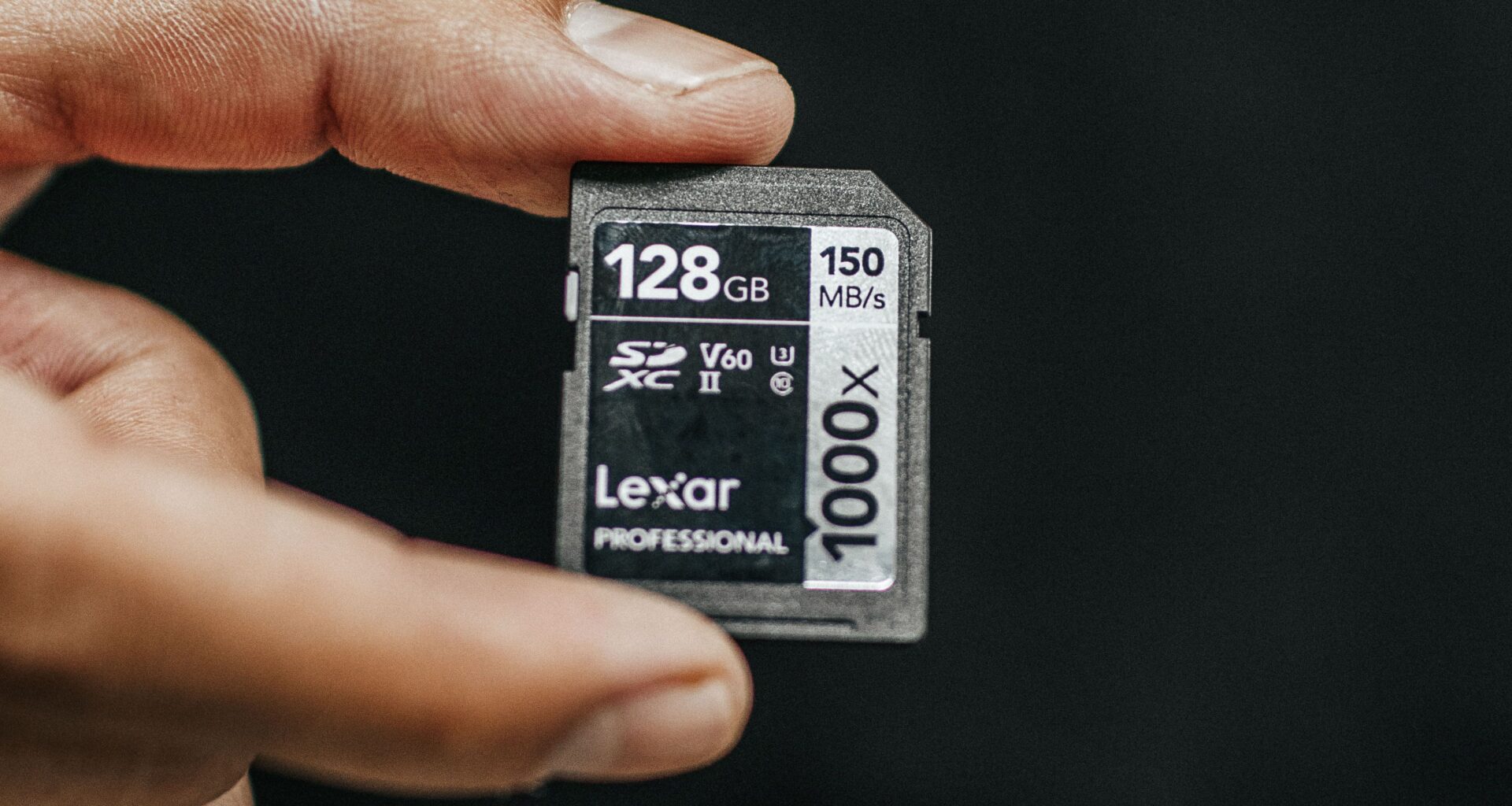
The value workhorse, and the card most people should buy: Lexar Silver Pro V60 128GB
Look back at that camera table. Most of the cameras on it, in the modes people shoot, land in V60 territory. This is the card for that reality: $80 for 128GB, 280 MB/s reads so offloads don’t crawl, in stock and sold by Amazon directly. The two-pack runs $140, which is $70 a card for guaranteed-floor 10-bit 4K recording. That’s the quiet best deal in this whole guide.
One spec worth knowing before you buy: the 128GB writes at 120 MB/s, not the 160 MB/s printed on the bigger capacities. Doesn’t matter for recording (V60 is V60, the floor holds), but it’s the number your offload mirror will run at if you write back to cards. The 256GB at $130 gets you the full 160 and doubles your runtime.

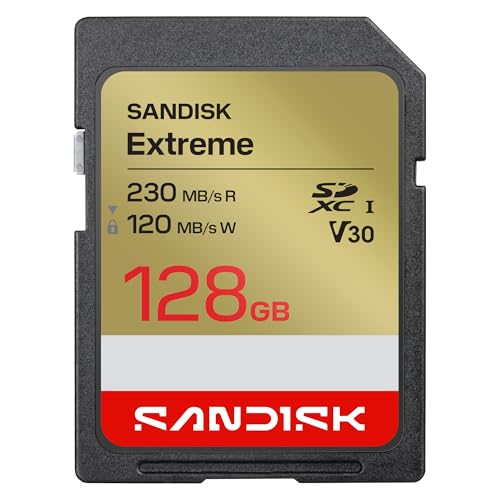
Budget V30: SanDisk Extreme 128GB (2026 version)
Is V30 still enough for video in 2026? For a specific list of modes, yes. A V30 card guarantees 30 MB/s, which is 240 Mb/s, so any long-GOP mode at 200 Mb/s or below runs with about 20 percent headroom. That covers Sony’s XAVC S and HS modes, the Panasonic S5 II’s capped internal recording, and the Canon R50 V’s standard modes. It does not cover any ALL-I mode, anything at 230 Mb/s or up, or any camera whose menu simply demands V60.
SanDisk refreshed the Extreme this year with 230 MB/s reads (you need SanDisk’s own reader to see all of it, but ~200 in any good UHS-I reader is still fine), and it’s $45 sold by Amazon. Painful trivia: this same card was $20 in 2025.
microSD for action cams and drones: SanDisk Extreme 256GB
Action cameras and consumer drones all record long-GOP at V30-safe bitrates, so the game here is capacity per dollar from a brand you can trust, and this card is on DJI’s own recommended list. $58 for 256GB, 190 MB/s reads, A2-rated. The Samsung PRO Plus used to be the co-pick in this slot, but the shortage pushed it to $98 for the same capacity, so it’s out this round.

The readers: the half of the purchase everyone skips
Here’s the thing nobody puts on the card’s box: a reader on a 10 Gbps USB port caps out around 850 to 900 MB/s of real throughput. Every CFexpress card above reads faster than that. Put a 3,600 MB/s card in a 10 Gbps reader and you paid for speed you will never see. A USB4 reader removes that ceiling, and the difference isn’t subtle: offloading a full 1TB card goes from about 20 minutes to about 6. Shoot twice a week and that’s an entire workday back every year, for a hundred bucks.
Every Apple Silicon Mac has USB4 ports. Most recent PC laptops with Thunderbolt 4 do too. If your machine is older and 10 Gbps is all it has, buy the cheap reader and bank the difference, because the port is the bottleneck either way.
CFexpress reader: ProGrade PG05.6 (USB4)
I’m a big fan of ProGrade readers, and it’s a physical thing as much as a spec thing: they’re built like tanks. Metal body, a magnetic base plate that snaps to the included mounting plate so the reader stays put on a desk or a laptop lid instead of skating around on its cable, and they survive being thrown in a bag for years. The PG05.6 is the USB4 single-slot Type B unit, rated to 40Gbps, sold direct by ProGrade at $105, and it will drain a 4.0 card at full speed.
Two alternates worth naming. The OWC Atlas USB4 at $100 matches it and throws in a Type A-to-B adapter, a clever touch if you run both Sony and Canon bodies. And the Sabrent CR-U4XB at $80 is the budget USB4 route, up to 3,500 MB/s with a 4.0 card.

SD reader: UGREEN UHS-II ($18) or ProGrade PG08 ($85)
SD is easier: UHS-II tops out at 312 MB/s, so a 10 Gbps port is nowhere near the ceiling and you don’t need USB4 anything. The UGREEN UHS-II reader does full-speed SD and microSD simultaneously for $18 and there’s nothing wrong with it. That’s the one to put in every bag.
The upgrade is the ProGrade PG08, a dual-slot UHS-II unit that offloads two cards at once. Same tank build, same magnetic mount, and if you’re clearing a dual-slot camera or two bodies after every shoot, running both cards in parallel is the difference between one coffee and two.

The two-format setup: ProGrade CFexpress + SD dual readers
Most CFexpress cameras pair the fast slot with an SD slot, so the endgame is one reader that takes both. ProGrade’s dual-slot units are exactly that: the Type B + SD version for Canon, Nikon, Panasonic, and Fuji shooters, and the Type A + SD version for the Sony crowd, both $85 on USB 3.2 Gen 2. If you want the dual-slot convenience at USB4 speeds, ProGrade ships the newer PG05.7 and PG09.7 at $150, currently sold direct and through Adorama rather than Amazon.

What a faster reader buys you
Real-world numbers, measured with full cards, in minutes to offload:
| Card + reader | Real read speed | 256GB | 512GB | 1TB |
|---|---|---|---|---|
| CFexpress 2.0, 10 Gbps reader | ~850 MB/s | 5 min | 10 min | 20 min |
| CFexpress 2.0, USB4 reader | ~1,600 MB/s | 2.7 min | 5.3 min | 10.4 min |
| CFexpress 4.0, USB4 reader | ~3,000+ MB/s | 1.4 min | 2.8 min | 5.6 min |
| V90 SD, UHS-II reader | ~260 MB/s | 16 min | 33 min | 64 min |
| V60 SD, UHS-II reader | ~230 MB/s | 19 min | 37 min | 72 min |
| microSD UHS-I | ~160 MB/s | 26 min | n/a | n/a |
Where those minutes go next, and how to turn a fast offload into a verified backup instead of a hopeful drag-and-drop, is its own guide: our travel offload and backup workflow picks up exactly where this table ends.
The counterfeit problem (read this before you buy any card)
Fake memory cards are rampant on marketplace listings, and the failure mode is nasty: a counterfeit often reports its fake capacity fine and then silently corrupts your footage when you cross the card’s real size. Three habits kill the risk. Check the seller line and prefer “Ships from and sold by Amazon.com” or the manufacturer’s own storefront (several picks above are sold by Delkin, ProGrade, or Amazon directly; a couple ship from third parties through Amazon’s warehouse, which is usually fine but worth eyeballing). Buy direct from the manufacturer when a listing looks off. And test every new card once with F3 on Mac and Linux or H2testw on Windows, both free, both under ten minutes for the peace of mind.
How we chose
Minimum sustained write is the only card spec that matters for video; peak read is a marketing number that mostly matters at the reader. So every pick above clears its class floor by a published, verifiable spec, not a benchmark we ran once on a fresh card. Prices and stock were browser-verified on live listings the day this published, seller included, because in this market a great card at a gouged price is not a recommendation. And we weighted brands that publish real sustained-write numbers (Delkin, Lexar, ProGrade) over ones that lead with peak reads.
FAQ
Can I edit video directly off a CFexpress card?
Technically yes, and with a USB4 reader a 4.0 card is faster than plenty of edit drives. You still shouldn’t. The card is your only copy of the footage until it’s offloaded, cards have finite write endurance, and one accidental in-camera format ends the project. Offload, verify, then cut from the SSD. The one defensible use is scrubbing selects in the field before you’ve had a chance to offload.
Do I need a CFexpress 4.0 card if my camera is CFexpress 2.0?
Your camera won’t care; 4.0 cards are backward compatible and the camera will use what it needs. But right now 4.0 cards are cheaper than the 2.0 leftovers and they offload two to four times faster through a USB4 reader. So yes, buy 4.0, just not for the reason the marketing says.
Is V60 enough for 4K, or do I need V90?
Check your bitrate, not your resolution. V60 guarantees 60 MB/s, which is 480 Mb/s, so it covers every long-GOP 4K mode on the market and most 6K. You need V90 only for 600 Mb/s ALL-I modes, and if you shoot those regularly you already know, because your camera’s manual won’t stop telling you.
What’s VPG, and do I need it?
Video Performance Guarantee, the CFexpress equivalent of the V ratings: VPG200 and VPG400 certify a 200 or 400 MB/s sustained write floor. Cameras with RAW video modes sometimes require it in the menu (Sony asks for VPG200 or higher for its heaviest modes). If your camera lists a VPG requirement, treat it as law. If it doesn’t, a published sustained-write spec that clears your bitrate does the same job.
Why did cards get so expensive?
The AI datacenter buildout ate the world’s NAND flash supply. Card prices roughly doubled between late 2025 and mid 2026, Sony suspended card production entirely, and the analysts tracking contract pricing don’t forecast real relief before 2027. If you’re going to need cards this year, buying now beats waiting.
And that’s it
Buy the class your bitrate needs, buy it from a seller you can name, and spend the leftover money on the reader, because the card only records the footage. The reader is what gets it into the edit. From here, the offload workflow guide covers getting that footage safely onto drives, and our edit-ready camera guide covers how the camera choice upstream sets all of this in motion. Questions about a camera or card combo I didn’t cover? Leave a comment.